Count stock fast.
Trust the numbers.
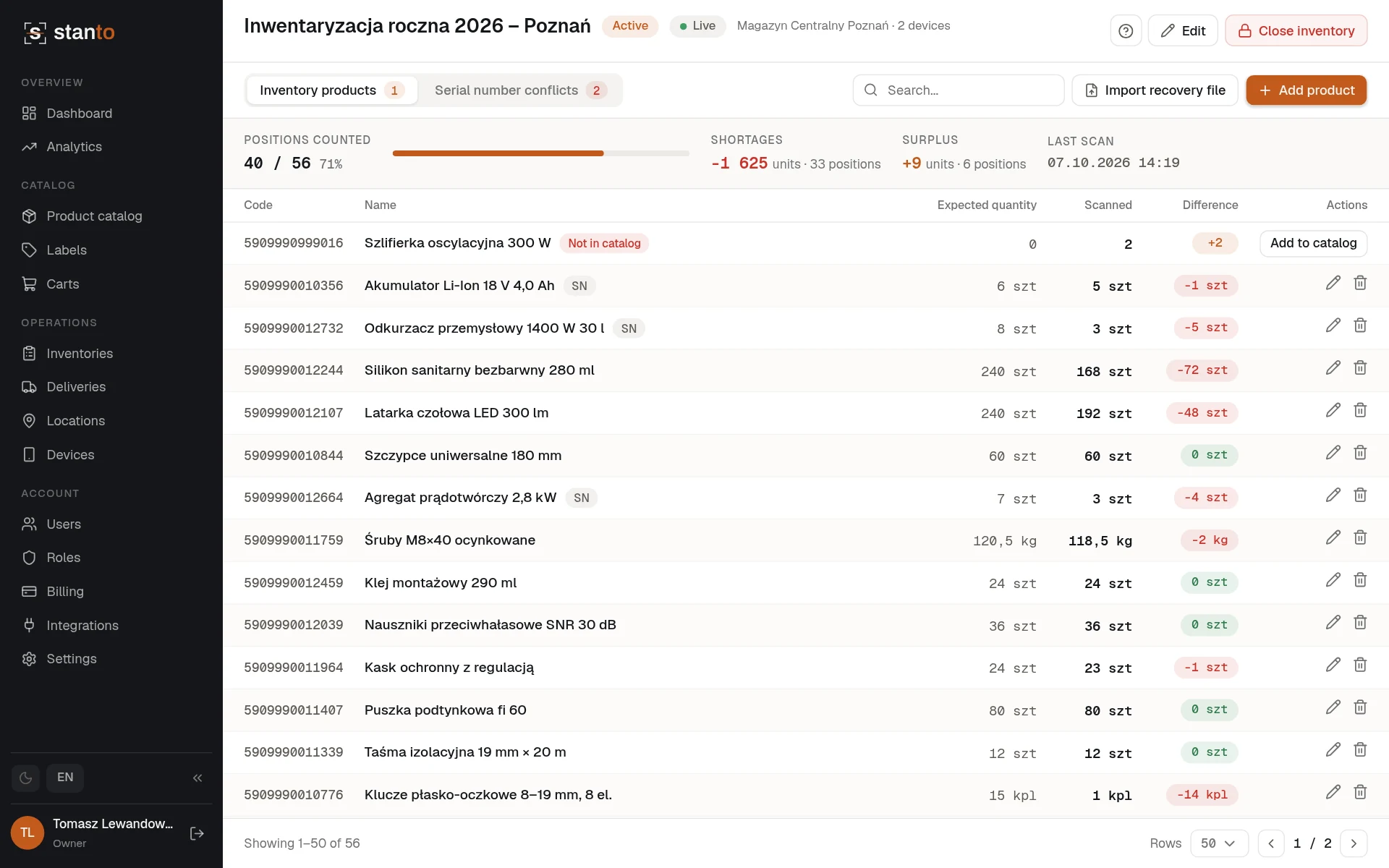
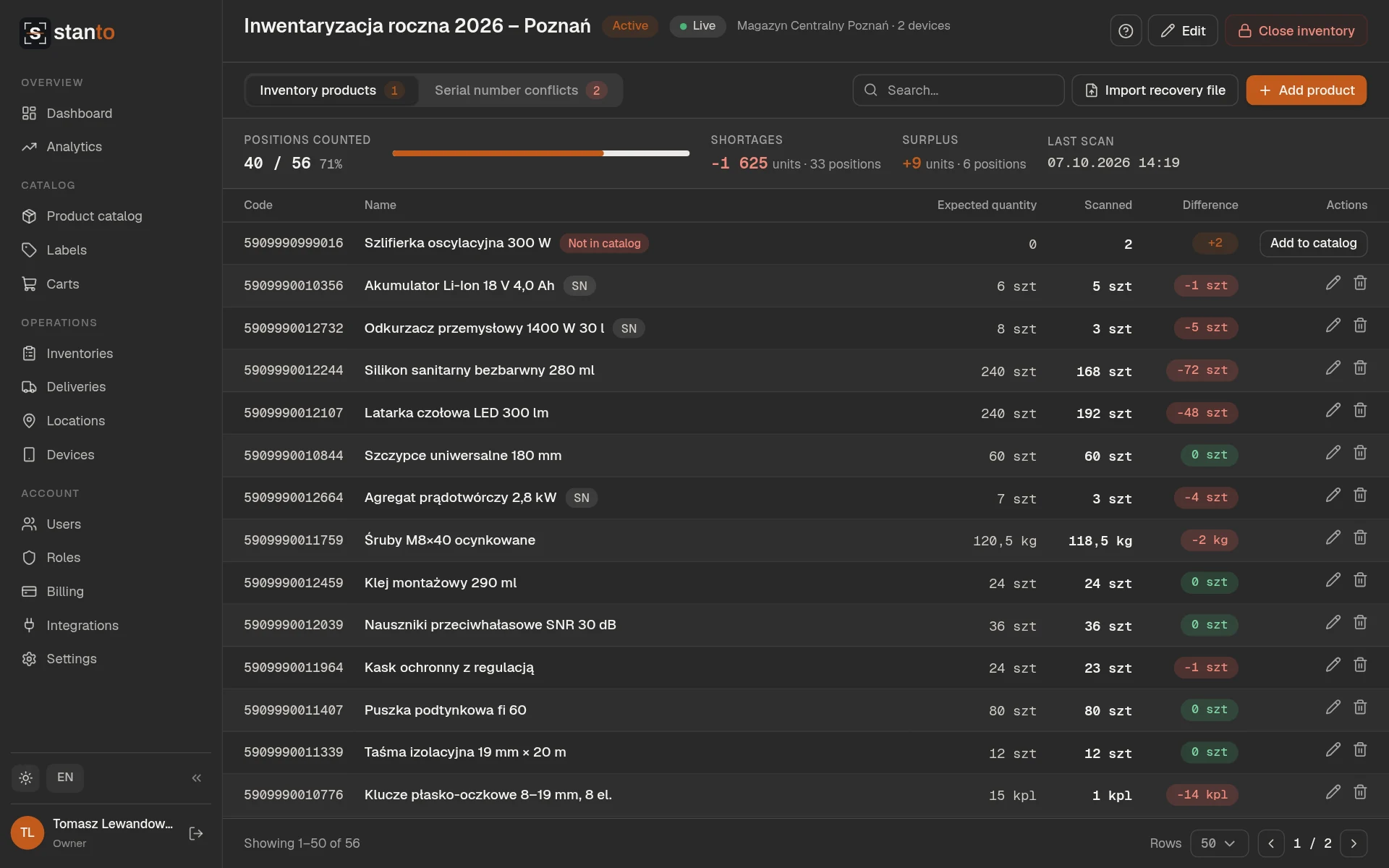
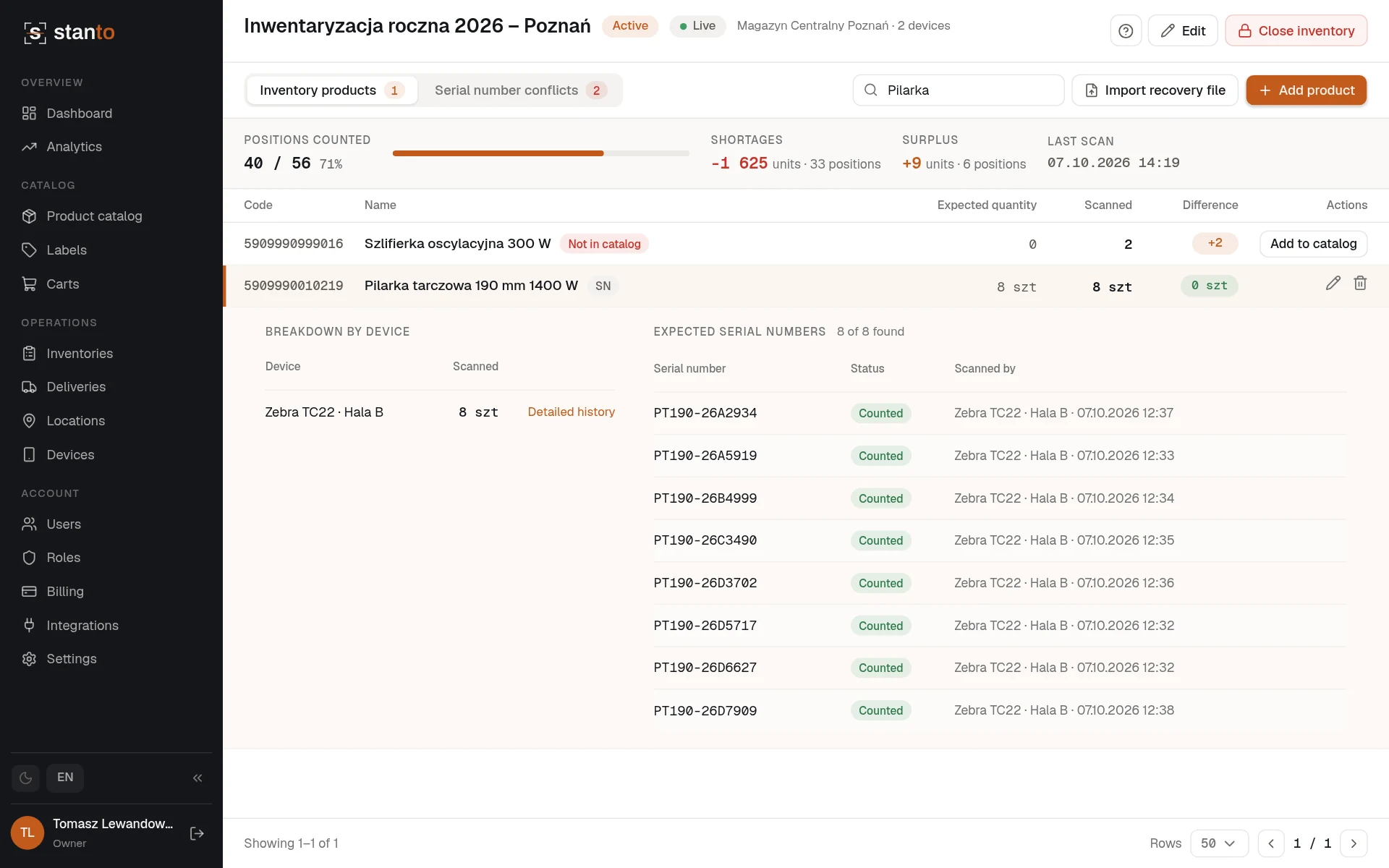
Scan with a handheld device or a phone camera, work offline in the warehouse, and watch the count come together live on the web — no spreadsheets, no double-counted serial numbers.
No credit card requiredGET IT ONGoogle PlayEverything you need to run a count
Built for warehouses with patchy Wi-Fi, handheld scanners, and more than one person counting at once.
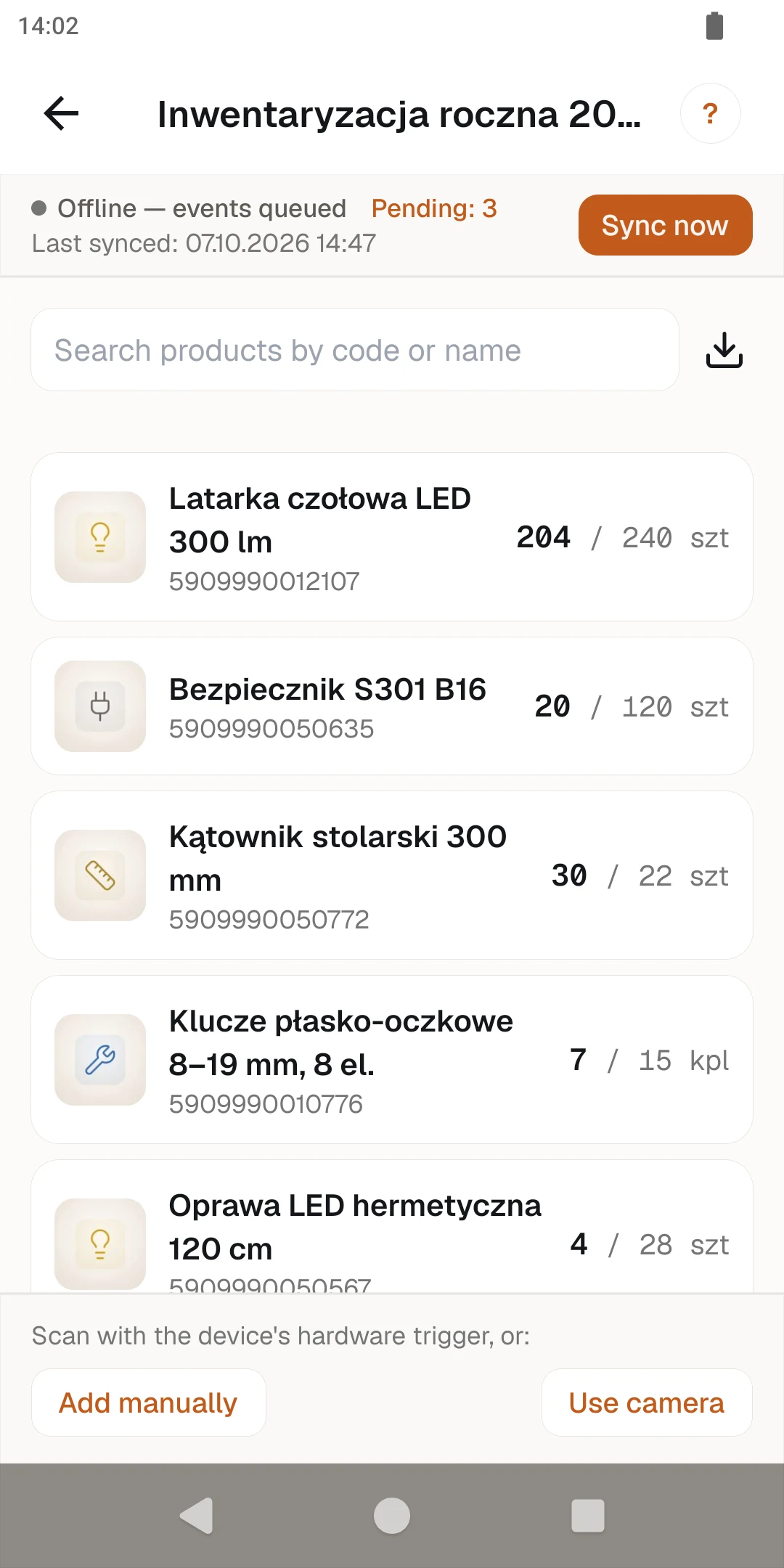
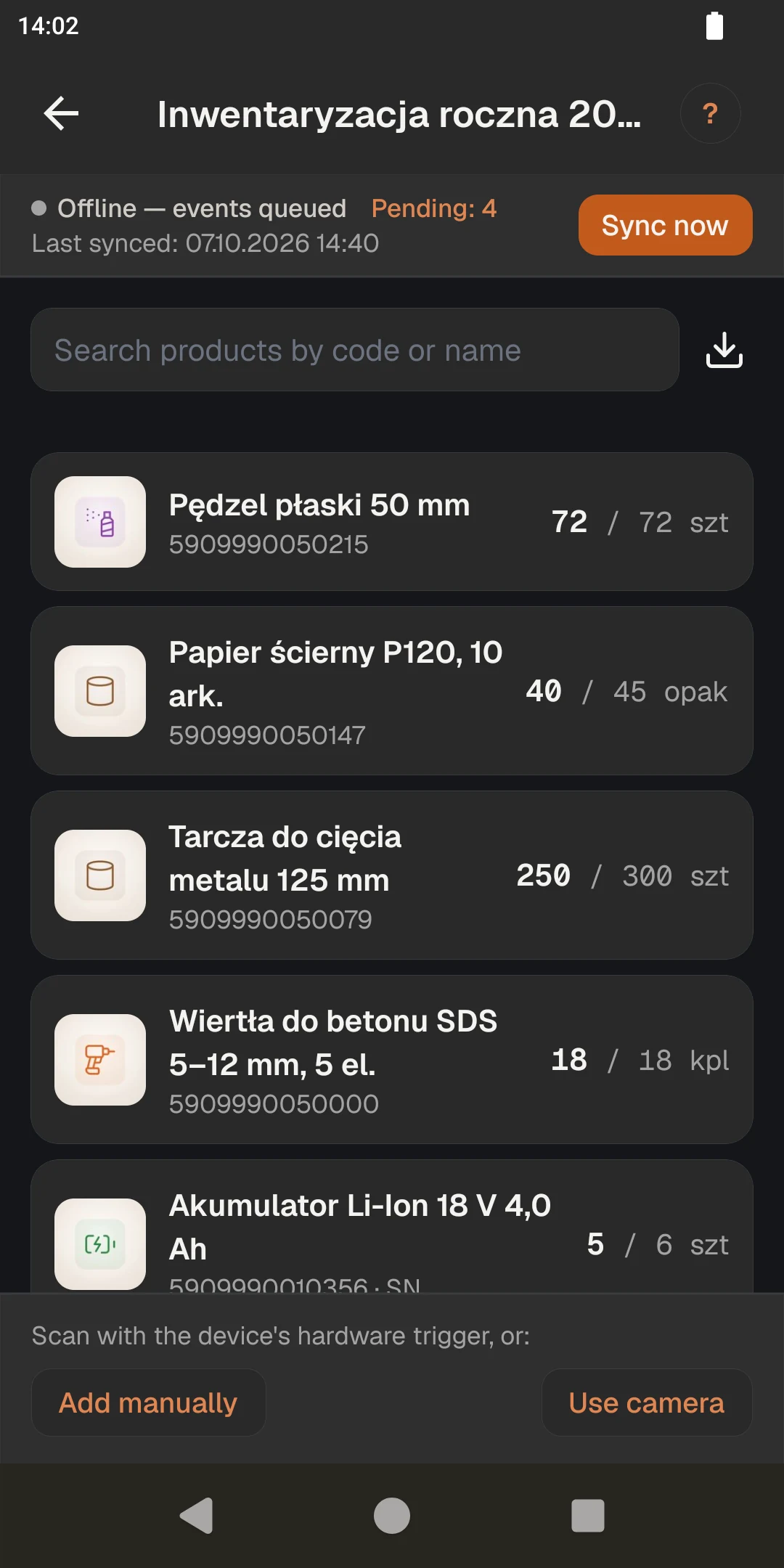
Fully offline in the warehouse
Every scan is saved on the device first. When connectivity returns, it syncs automatically — no lost counts because of a dead Wi-Fi spot.
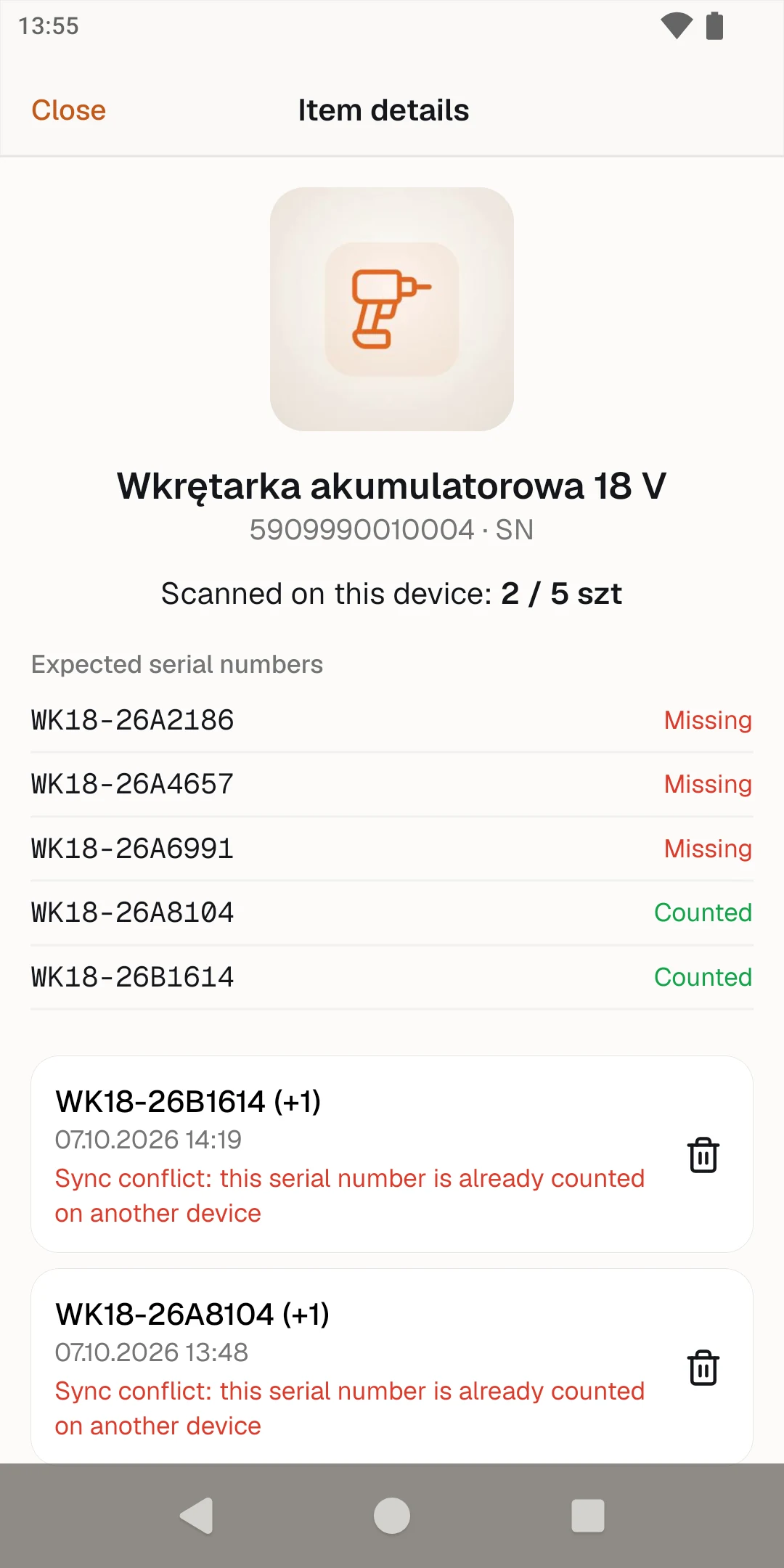
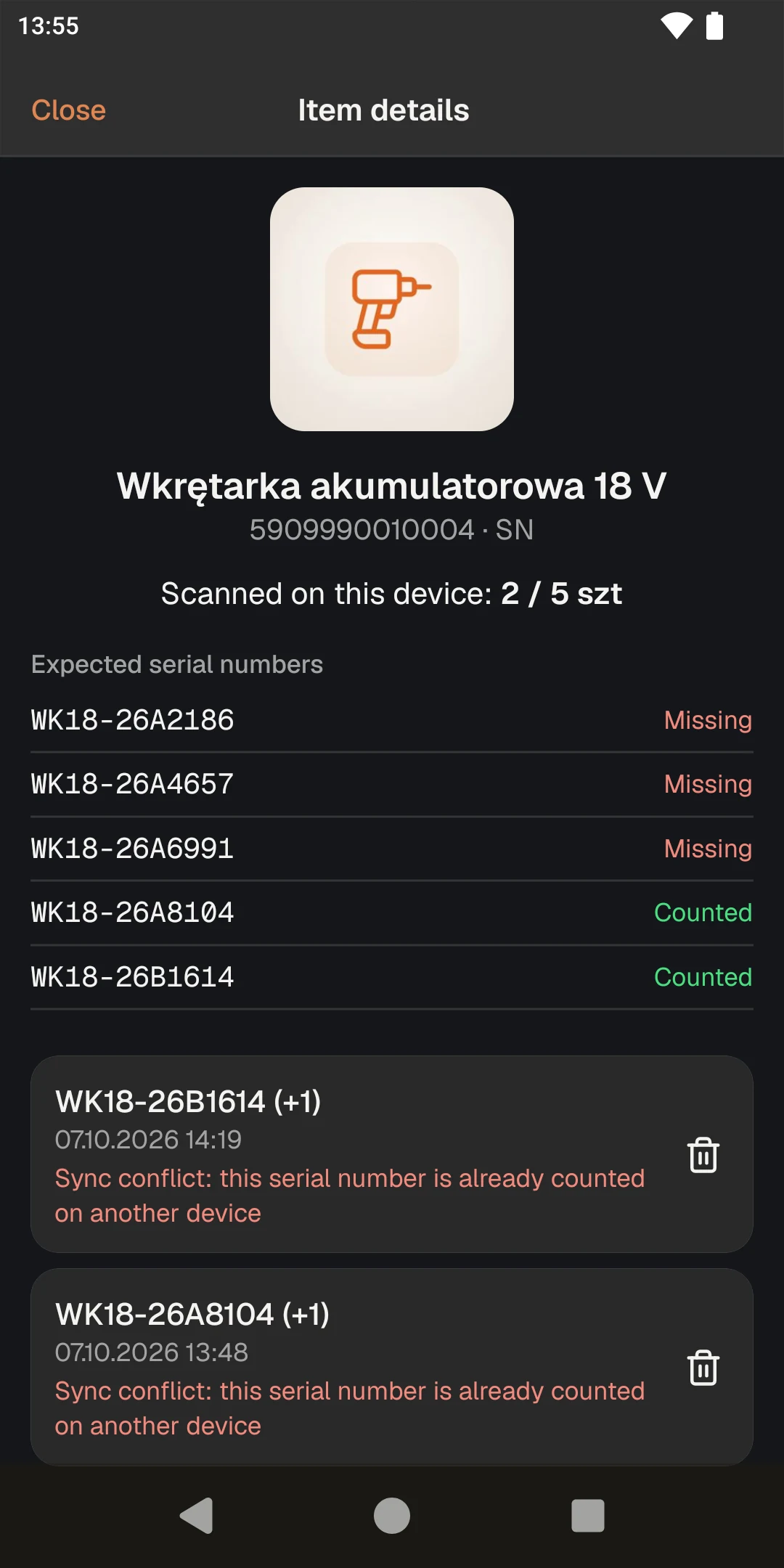
Catches duplicate serial numbers
If the same serial number gets scanned twice — even from two different devices — it's flagged as a conflict instead of silently counted twice.
Live progress on the web
Watch scans land in real time from a laptop while the team counts on the floor — no need to wait until everyone's done.
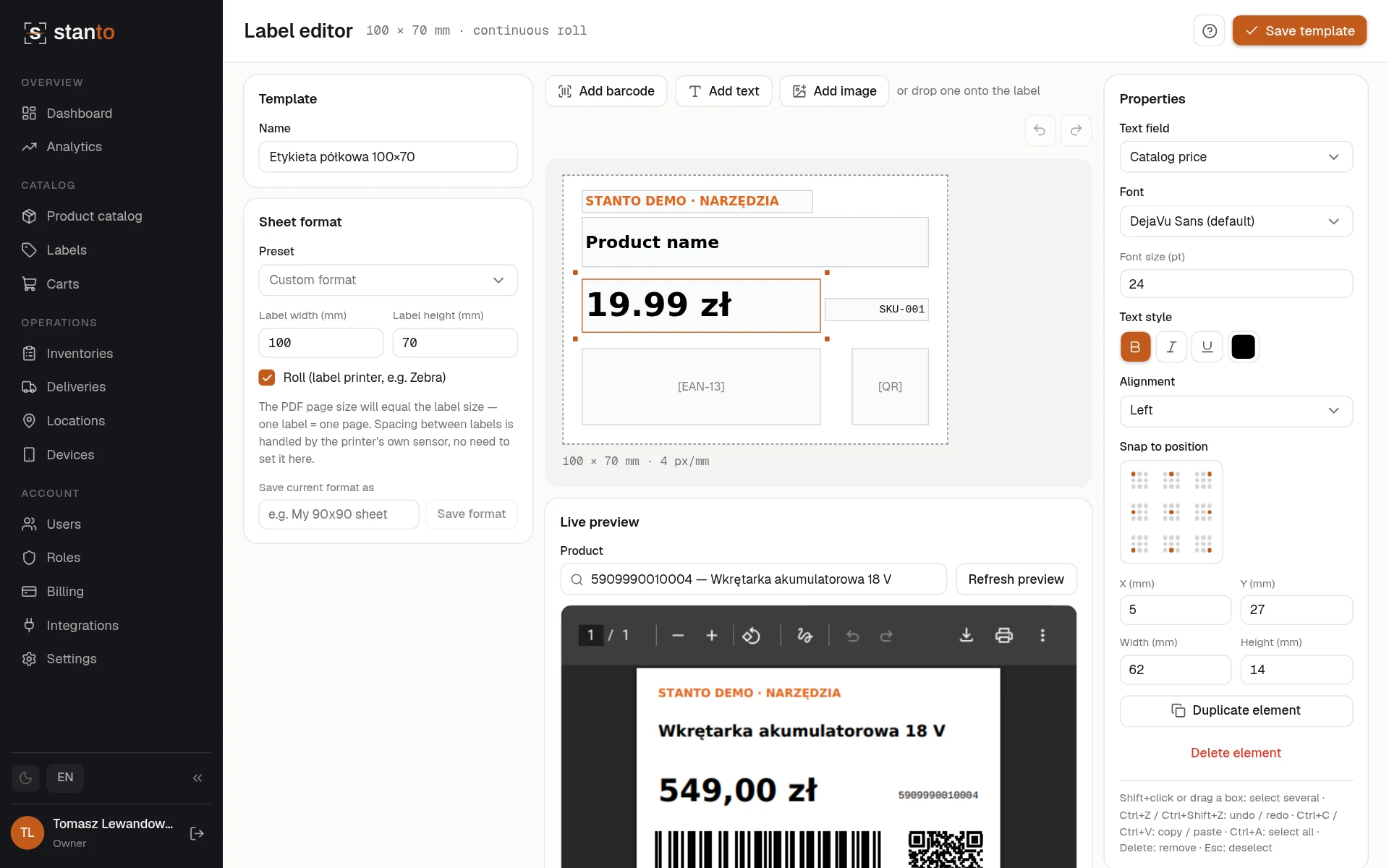
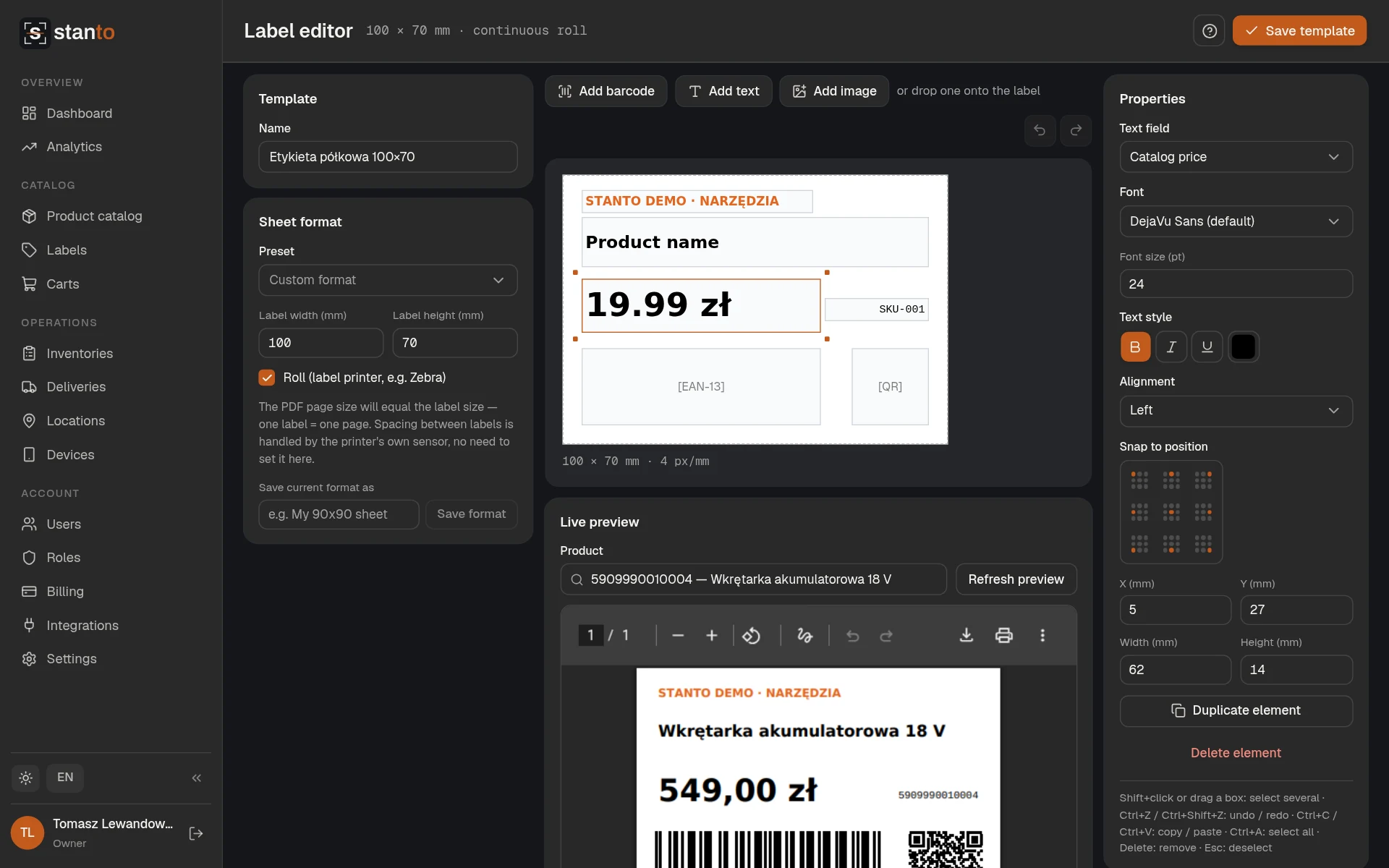
Barcode & label generator
Design label templates in a drag-and-drop 2D editor with QR, Code128, and EAN-13 codes — print on A4 sheets or a thermal-printer roll.
Full audit trail
Every scan, conflict, and change is recorded with who did it and when.
The rest of what you get in every plan
The free one too. Plans differ only in limits and support.
Scan with a hardware scanner or a camera
Works with Zebra-style handheld scanners out of the box, and falls back to the phone's camera when a device doesn't have one built in.
Handles the unexpected
Found something that wasn't on the list? Add it on the spot — and if another device already named it, it's recognized instead of creating a duplicate.
Deliveries
Create a delivery by hand or by importing a file of expected items for a location. Scanners at that location see it automatically.
Virtual carts
Scan products into a cart from the phone or the browser, compare against catalog pricing, apply discounts, and export the result as CSV.
Multiple locations and devices
Run counts across every warehouse or store from one account, each with its own assigned devices and inventories.
Teams with the right roles
Owners, managers, and operators each see exactly what they need — from running a count to managing billing.
Import your product catalog
Upload a CSV or XLSX to bulk-load products and expected quantities — no manual data entry before a count.
Discrepancy analytics
Compare closed inventories over time, break shortages down by location, and export the products with the biggest discrepancies to CSV.
Light and dark mode
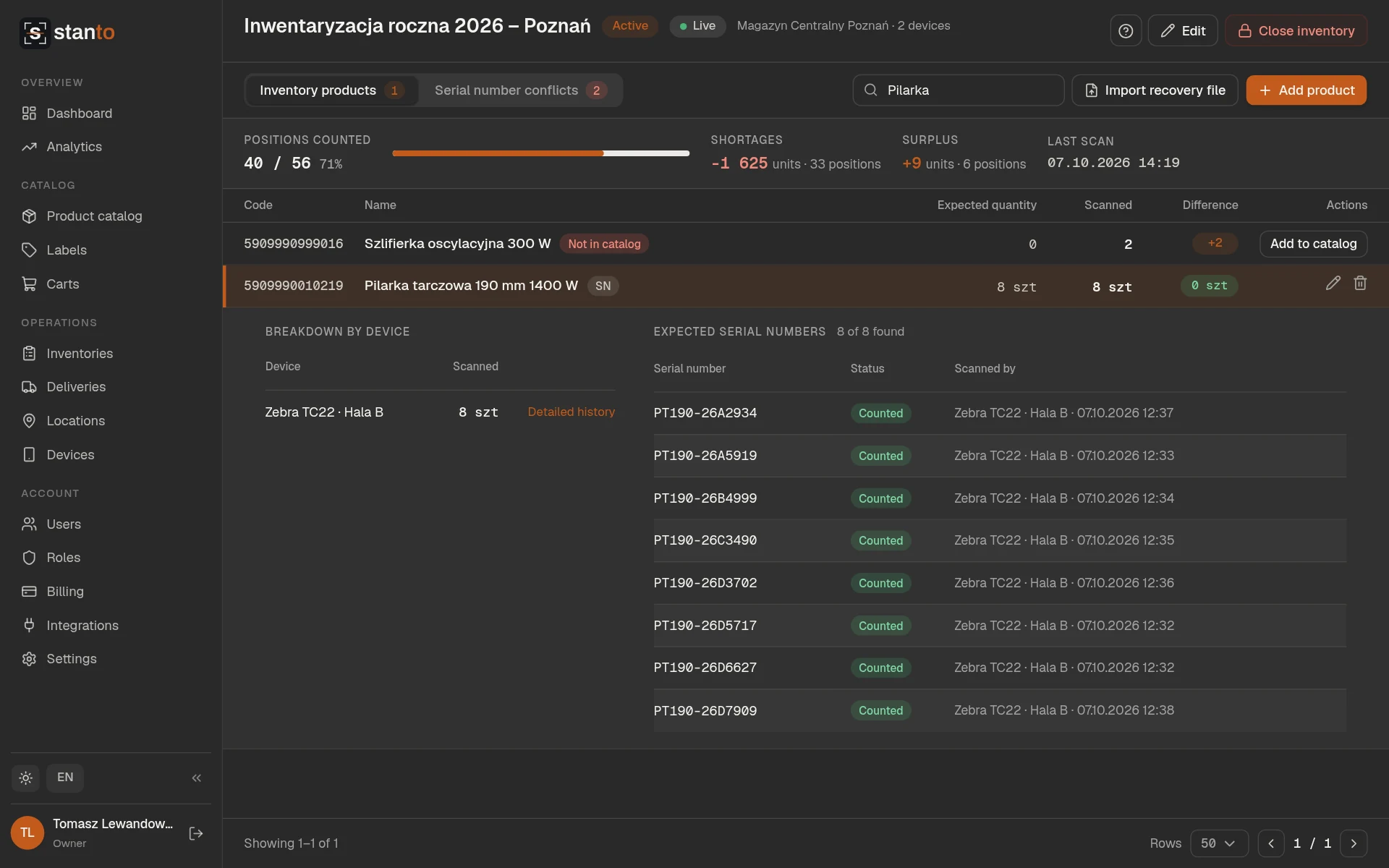
Easy on the eyes in a dim stockroom or a bright office, switchable any time.
Polish and English
The whole app — mobile and web — works in both languages.
Counted quantities go back to where you run your warehouse
Fakturownia
Start inventories from Fakturownia inventory documents and write the physical count back into them once closed. Pull in warehouses and the product catalog in one go.
BaseLinker
Start inventories from BaseLinker stocktaking documents and write the counted quantities back when you close them. Warehouses and the product catalog come over in one click.
SAP
Export a closed inventory as an IDoc document (INVCOU01) and fill in SAP document numbers on inventories and locations.
Comarch ERP Optima
Export a finished count as a file you read into an inventory sheet in Optima (Kolektor danych / Importuj pozycje).
FTP server
Send a closed inventory's report to your server, and start an inventory or a catalog import from a file already there.
Simple, transparent pricing
Start free. Upgrade when your team or your warehouse grows.
Every feature in every plan — including the free one. Plans differ only in limits and support.
Loading...